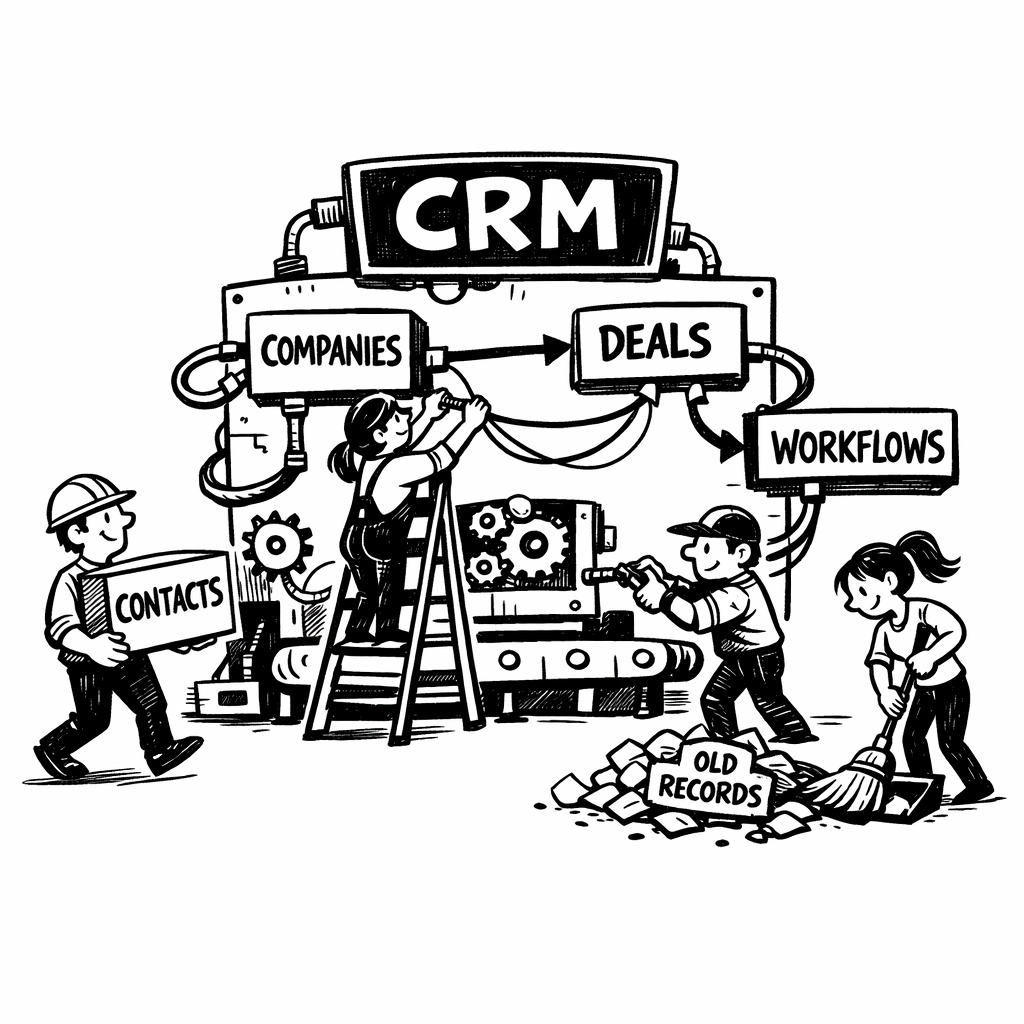

A CRM implementation is not a software project in disguise. It’s an operating model problem that happens to pass through software.
Most failed rollouts happen not because the platform is incapable, but because the team loaded a database before it defined a motion, migrated random records before anything was agreed, or created loads of automated chaos before anyone actually understood what was going on.
The best implementations feel quiet. Reps know where to start, managers trust the pipeline immediately, RevOps can change a process without breaking three others, and leadership gets clean signals from the get go. If you are leading a rollout, the goal is not to go live fast. It is to go live smoothly.
Start with scope, not setup
Before you touch fields, decide what fields you are actually going to touch. What is this rollout supposed to accomplish. A good CRM phase one should answer a small number of very specific questions.
- What motion or motions are we supporting first: new business, expansion, account management, or all three?
- Which teams need to live in the system on day one?
- What must be true for leadership to trust the data?
- What can wait until phase two?
Most teams over-scope because CRM software makes possibility feel infinite. You get over eager. Your first release should cover the minimum workflow needed to run pipeline, manage relationships, and report on conversion. Non-necessities should come in later phases.
A practical way to scope this is to split into these layers:
- Foundation: users, core objects, stages, ownership, basic permissions, activity capture.
- Critical motions: lead routing, account assignment, opportunity management, handoffs.
- Enhancements: advanced automations, custom objects, enrichment rules, health scoring, AI assistance.
Design the data model around how revenue actually works
The biggest modeling mistake is to mirror the org chart instead of the living, real, commerical motion. Your CRM should describe how customers move, not how departments report.
Start with native objects: accounts, contacts, opportunities, activities, tasks, and leads if you truly use them. Add custom objects only when you have a repeatable business entity that deserves its own lifecycle, permissions, reporting, and associations (subscriptions, workspaces, partners, locations etc.).
A durable data model usually includes six design choices:
- Unique IDs for every important record, especially anything synced from another system.
- Clear ownership fields so routing and reporting are unambiguous.
- Lifecycle stages with agreed and exact entry and exit criteria.
- Required fields that are few but meaningful (don’t add for the sake of it).
- Associations that reflect real and necessary relationships between records (again, don’t create for the sake of it).
This is especially relevant with the incoming AI technology. AI does not rescue a messy schema - it amplifies whatever structure you have already built.
Treat migration and data hygiene as the real implementation work
Migration is closer to translation than file transfer.
Begin with a source audit. List every place customer and pipeline data currently lives: old CRM, spreadsheets, billing, marketing automation, support tools, product database, rep notes. Then classify every field and record into one of four buckets: migrate as-is, transform, archive, or discard.
Clean data improves adoption. Incomplete or worse incorrect records erode confidence. Test imports in a sandbox and start with a small sample before a full load. (Salesforce Trailhead)
At minimum, your migration plan needs:
- A field mapping document
- A de-duplication strategy
- Normalization rules
- Survivorship logic when systems disagree
- Import order for parent-child relationships
- Rollback and backup procedures
One practical rule: migrate only what the future 12 to 18 months will actually need. Seven-year-old closed-lost opportunities belong in an archive, not in the system your reps open every morning.
Integrate context, not clutter
A CRM becomes useful when it stops being an island. But many implementations make the opposite mistake and turn it into a junk drawer of half-managed syncs.
The core integration stack for most B2B teams includes email, calendar, enrichment, marketing automation, customer support, billing, and product usage. The question is not whether these should connect, but what each system is authoritative for.
A good integration design answers three things for every sync:
- Which system is the source of truth?
- hich fields sync one way versus two ways?
- What should happen when data conflicts?
Email and calendar are especially important because they shape adoption. If activity capture is full of friction, reps mentally check out from the CRM on day two. Modern systems automate much of this, but configuration and defaults matter. Attio, for example, syncs inbox and calendar history, auto-creates records from interactions, and lets admins tune how aggressive that creation is, with privacy controls for what teammates can see (Attio Email and Calendar Syncing). It’s important to get these things right on day one.
For enrichment, add only attributes your team will segment on, route from, or report against. Don’t clog your new CRM with irrelevance.
Build permissions around personas and risk
Access design affects trust, compliance, usability, and your administrator wellbeing. Do not leave it until the week before launch.
Model permissions by persona: SDR, AE, sales manager, CS, marketing ops, rev ops admin, executive, contractor, integration user. Then decide what each needs at the object, field, record, and workflow level. Don’t overthink it, but do think it through.
Established platforms increasingly push teams toward reusable permission models. Salesforce recommends permission sets and permission set groups with persona-based grouping over sprawling profile-based setups; HubSpot exposes granular controls across workflows, property settings, data quality, and enrichment access. (Salesforce Help Center)
In practice:
- Keep admin access rare.
- Lock down sensitive fields such as compensation, contract value overrides, or PII.
- Review manager visibility rules by region and segment.
- Audit permissions quarterly, not annually.
Adoption is planned before training beigns
Don’t make training is where teams try to solve problems created months earlier. If layouts are noisy, required fields are everywhere - no workshop will save you.
Adoption starts in the build. Give each role a clean default view and make required inputs correspond to moments where the user naturally has that information. Show managers the dashboards they will use as you build them out to get feedback.
Then train on workflows, not features. A rep does not need a tour of every menu. They need to know how to qualify an account, open an opportunity, update a next step, and move a deal forward.
Run role-based sessions, record short walkthroughs, appoint champions, and hold office hours for the first month. Close the feedback loop rapidly: if ten reps tell you a field is confusing, get it fixed asap.
Measure implementation aggressively
A rollout is successful when behavior changes and reporting gets sharper. The best scorecards mix four kinds of metrics:
- Technical health: sync failures, automation errors, page load issues.
- Data quality: duplicate rate, missing required fields, invalid stage entries.
- Process adherence: percentage of opportunities with next step, age in stage, handoff SLA compliance.
- Business outcomes: forecast accuracy, sales cycle visibility, lead response time, manager inspection time.
Review at 30, 60, and 90 days. Early on, you are looking for adoption; later, for actual net new value. One useful test: do your managers trust the CRM enough to run meetings from it? If they still export to spreadsheets before every forecast call, the implementation is not done.
The failure modes are predictable
Most CRM failures are not surprising in retrospect. They come from a short list of recurring choices:
- Over-customizing before the core process is stable
- Migrating bad data because deleting it felt political
- Adding too many required fields in the name of reporting
- Letting every team request automations with no governance
- Syncing every tool two ways by default
- Treating training as a one-time event
- Leaving ownership of the system unclear after launch
The deeper pattern: teams confuse system complexity with operational maturity. A sophisticated CRM is one where the model is clear, the rules are as few as they can be, and above all - it’s trusted.
Whether you pick an established suite or a newer AI option, the discipline is the same. Start narrow, model reality carefully, integrate with intent, automate only what is ready, and design the system so that using it feels like progress, not admin work.